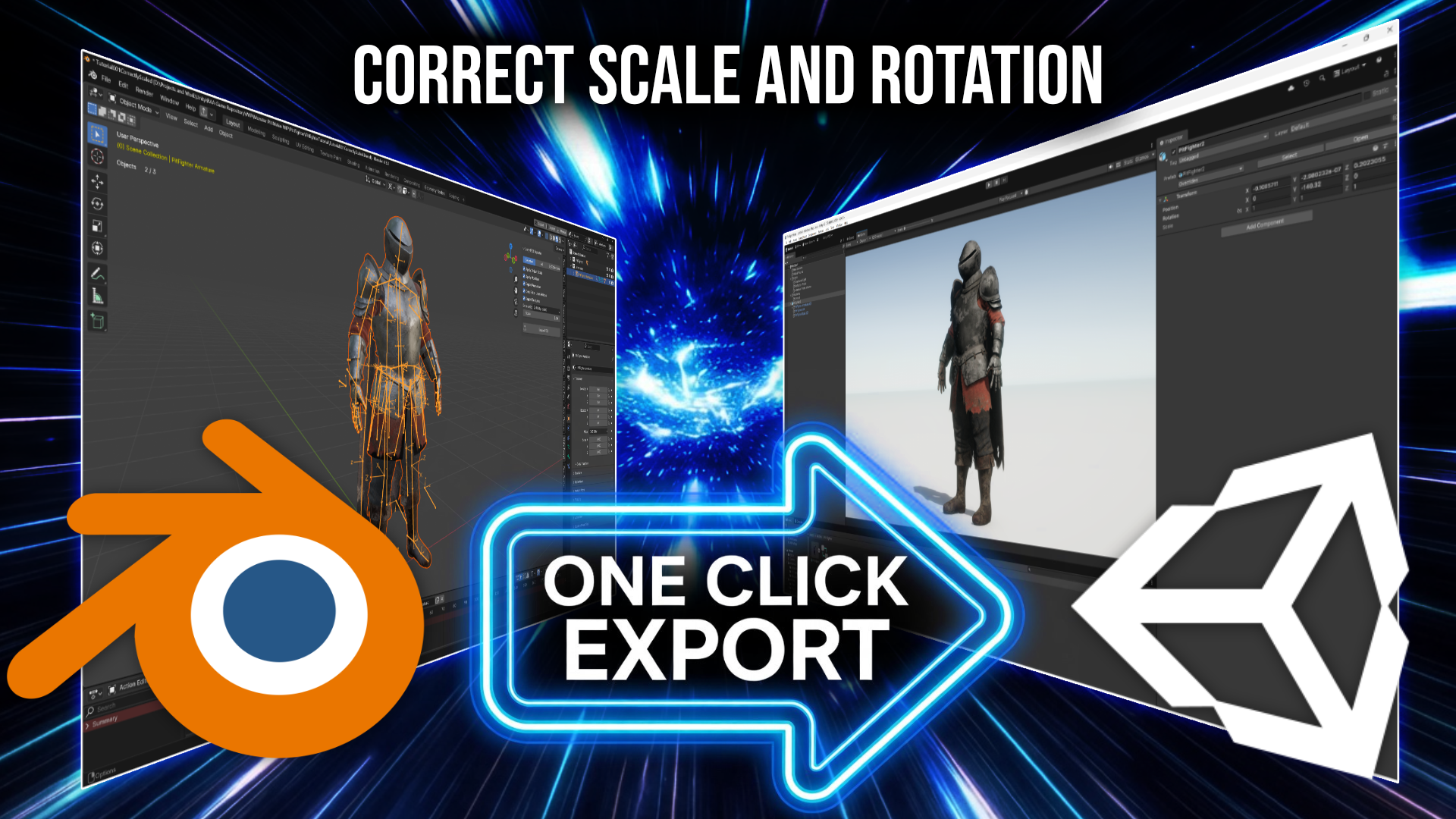
Perfected Unity FBX Exporter
FreeBlender add-on · correct rotation & scale for Unity
What it does
Exporting from Blender to Unity is notorious for two headaches: models
come in lying on their back (a (-90, 0, 0) rotation Unity
bakes in to reconcile Blender's Z-up world with Unity's Y-up), and scale
often ends up off by a factor of 100. This add-on fixes both at export
time — it bakes the correct transform so your mesh lands in Unity
upright, facing the right way, and at 1:1 scale, with no
empty parent objects or manual rotation fixes to clean up afterward.
Install
- Download the
.zipabove (don't unzip it). - In Blender, open Edit → Preferences → Add-ons.
- Click Install…, select the downloaded zip, and enable the checkbox next to it.
Use it
- Select the object(s) you want to export.
- Choose the add-on's Unity FBX export option and pick a destination.
- Drop the resulting
.fbxinto your Unity project — it arrives with the correct rotation and scale, ready to use.
Free to use. If it saves you time, consider supporting the work on Patreon — that's what keeps these tools coming.